Advertising Feature / Advertising Feature
Smart Ways to Protect Your Personal Data While Browsing Online
Most of us spend a lot of time online, but how much do we consider our privacy? Until something feels off, we tend to be carefree. We don’t think too much about the volumes of personal information we share while scrolling through social media or working on a laptop in a café. These routines feel ordinary, and that’s exactly why it’s easy to overlook the data that’s constantly being collected in the background.
Browsing is all about convenience. Browsers automatically save your passwords, and apps track your activity to deliver personalized content. Important accounts stay logged in on different devices. For remote workers, in particular, the line between personal and professional browsing is blurred. A quick check of work emails on public Wi-Fi doesn’t seem risky, but it exposes more information than most people realize.
Internet privacy isn’t a concern reserved for cybersecurity experts. Digital services are a part of everyone’s lives. Good news: you don’t need to be a tech expert to improve your Internet privacy. Just a few browsing habits will reduce unnecessary exposure of personal data.
Everyday Browsing Habits Matter!
The most common online privacy risks don’t come from hacking attempts. The main causes are much more subtle, and related to everyday habits that we rarely question. Connecting to public Wi-Fi without thinking twice and staying logged into multiple accounts is convenient, but those routines expose a lot of personal information. After spending more time working remotely, many people start looking into what a VPN is and how it can protect them online. For people who regularly work from cafés or coworking spaces, a good VPN can provide safer online browsing.
Before using it, many people wonder: how does VPN work? The process is quite simple: the VPN prevents sending Internet traffic directly through a public network. It encrypts the connection and routes it through a secure service. But why use a VPN when you’re only after convenience? The answer is simple: you won’t even notice a good tool working in the background. It won’t slow you down at all. Although there’s not a single tool that guarantees complete online privacy, using encrypted connections provides strong protection outside secure home networks.

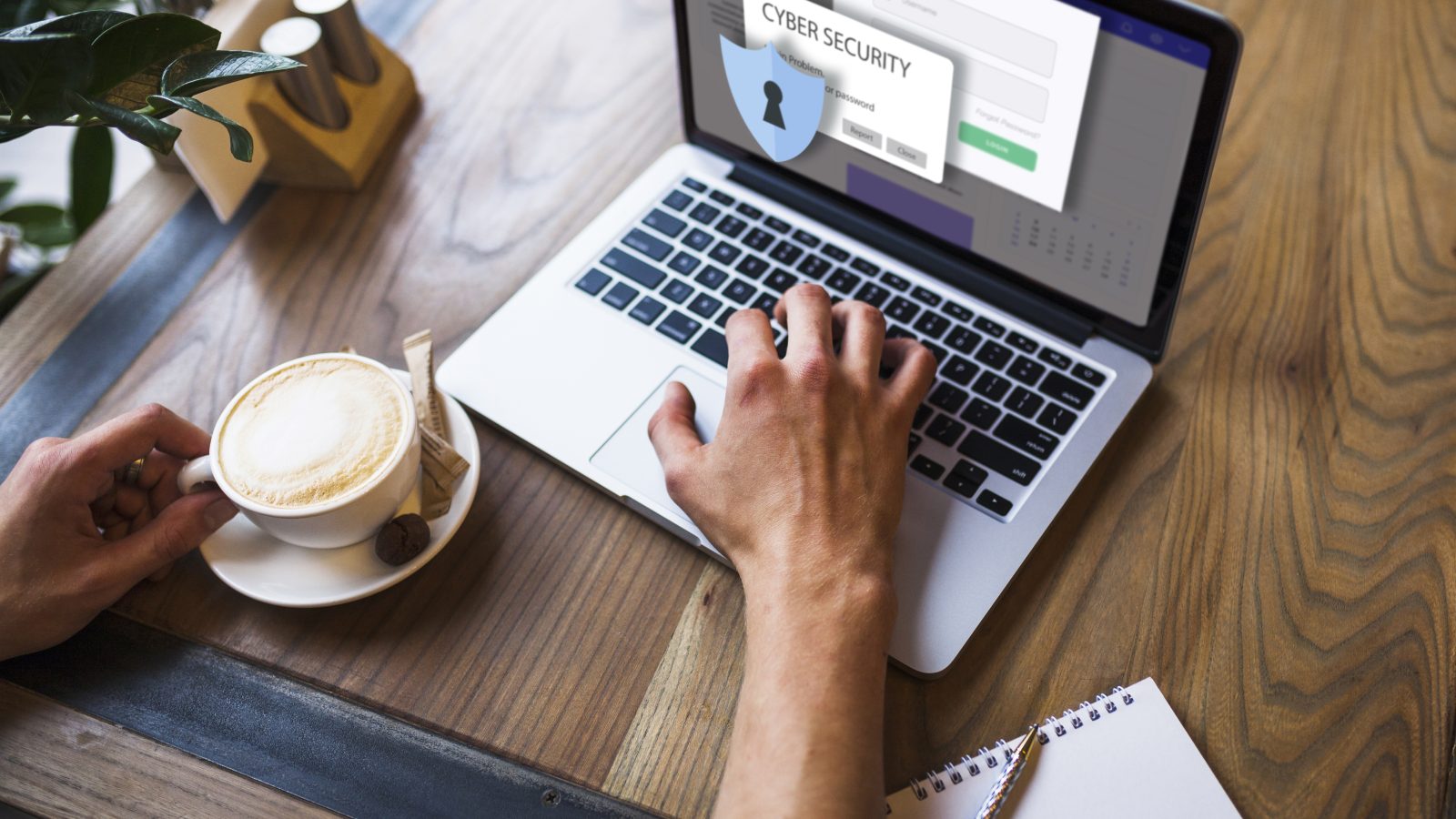
Image on pexels by Tima-Miroshnichenko
Simple Habits to Improve Your Online Privacy
These are the most common situations where personal data is exposed:
- Reusing the same passwords for different accounts
- Using public Wi-Fi without secure connections
- Clicking links from unknown emails or messages
- Staying permanently logged into shopping or banking apps
- Downloading apps or browser extensions without checking permissions
- Sharing too much personal information on social media platforms
So if I wonder how to protect my privacy online, those are the main habits to avoid. Online privacy comes down to small decisions that are repeated over time. These practical actions make a big difference:
1. Review passwords
Reusing the same password for different accounts is a major security risk. If one platform experiences a data breach, your credentials for other accounts are also exposed. Password managers make this issue easy to solve. They generate and store strong passwords. When you use them together with two-factor authentication, these passwords give you stronger protection for email accounts, banking apps, and the platforms you use for work.
2. Check the browser’s settings
Many apps and websites collect tracking data by default. They monitor browsing behaviour and provide personalized advertising. Adjusting the privacy settings and limiting unnecessary permissions reduces the information shared in the background. It’s also important to clear cookies regularly.
3. Be careful with links and attachments
Phishing scams are getting more sophisticated than ever. They are hard to recognize because suspicious messages don’t always look obviously fake. Some emails imitate delivery services, banks, or streaming platforms. So before clicking an unfamiliar link, check the sender’s address carefully. Avoid attachments you didn’t expect. A few seconds of caution can protect you from malware and stolen passwords.
4. Don’t stay logged into sensitive accounts
We often stay signed into banking apps and online stores, since we trust our personal devices. However, automatic logins put you at risk if the device is lost/stolen or connected to an unsecured network. Log out of sensitive accounts, especially when using shared devices or public networks!
5. Think carefully about what you share online
Social media encourages constant sharing. But when you publicly post personal details, they reveal more than you intend. Birthdays, travel plans, workplace information, location check-ins… all this may be enough for scammers to build convincing phishing attempts or guess security questions. We should all be selective about what becomes public information.

Image from pexels by shvetsa
Better Privacy Habits Are Especially Important for Remote Workers
Many remote workers don’t separate the use of the Internet for work and personal needs. They move their laptop between home, cafés, coworking spaces, hotels, and public transport. They check work emails on phones, and upload files from shared networks. Out of convenience, they stay logged into important accounts. This flexibility is useful, but it creates more opportunities for personal data exposure.
Privacy habits matter even more outside the traditional office environment. A few simple precautions make a real difference:
- Use secure connections
- Keep software updated
- Avoid unknown networks
- A VPN for remote workers is a must! It’s the most practical tool for reducing risks while working from public spaces.
Online Privacy Starts with Awareness
Most people don’t need advanced cybersecurity knowledge for safer browsing. Online privacy is made through small choices: the way we manage passwords, the networks we trust, and the things we publicly share. Digital tracking is a normal part of Internet use, which makes awareness even more important.
But protecting your online privacy doesn’t mean becoming paranoid about technology. You should just be aware of how much personal and professional information moves through your devices every day. For remote workers, in particular, strong privacy habits aren’t optional. They are essential for safe work while staying connected. Your goal is to create healthy boundaries around personal data and reduce unnecessary exposure.