
Directory / Advertising Feature
Before You Log In: A 60-Second Checklist to Avoid Phishing Clones
Modern phishing sites have ceased to be amateurish crafts with crooked layouts. Hackers have learned to create clones that are visually indistinguishable from the original resources of banks or gaming platforms. They copy fonts, animation, and element placement with pixel-perfect accuracy. In such cases, traditional antivirus tools may not detect the threat, because the user voluntarily submits data to what appears to be a legitimate interface.
Your security today depends exclusively on the habit of critically evaluating a page before entering a login and password. This applies especially to financial operations and access to online casino accounts. To avoid gifting scammers access to your wallet, it is enough to spend exactly one minute on verification. We offer a simple four-step algorithm that will become your reliable insurance against loss of funds.
The “Wrong Password” Method
is needed now More than ever
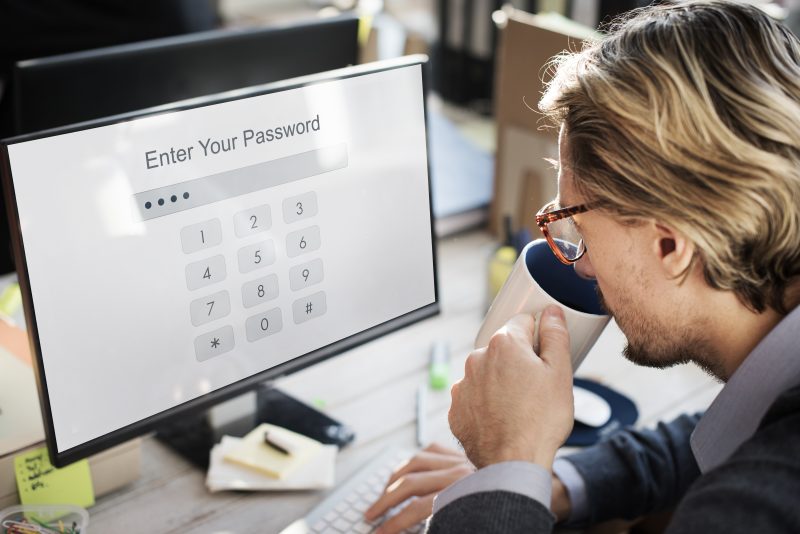
Technology Enter Password Security Graphic Concept – Alona Mevsha – Freepik.com
This is one of the simplest behavioural checks you can perform. Technically, a phishing site is a simple data collection form not connected to the service’s real user database. The scammers’ script does not know which password is correct and which is not. Its task is to save any entered text and redirect the victim further, imitating a successful login or a technical failure.
The essence of the method lies in an intentional mistake. When visiting a suspicious page for the first time, enter a random set of characters in the password field. A real site will check against the database and issue an authorization error. Many phishing pages will accept any input because they are designed to collect credentials rather than validate them. If the system accepted obviously incorrect data, you are on an attacker’s resource.
This advice is critically important for players who often seek access to popular live shows through casino mirrors. In a hurry, performing the habitual Crazy Time login to enter the broadcast, it is easy to lose vigilance. If you enter your real data on a clone, it will instantly go to hackers. Using an intentionally false password allows you to safely test the login form. If the site “swallowed” the error, leave it immediately.
Checking the Address Bar

https://wavebrowser.co/cms-content/EC_Blog_Images_2_c6c1bf023d.jpg – Alona Mevsha
The first line of defence is located in the browser’s address bar. The domain name is the only element that scammers cannot fake one hundred percent, although they invent sophisticated camouflage methods. The most popular trick is called typosquatting. Attackers register domains differing from the original by just one character, counting on the user’s inattention.
Always check the domain zone. Major brands and services usually use .com zones or national top-level domains. If you see strange endings like .xyz, .top, or .info, this is a serious reason to close the tab immediately. Also, beware of long addresses where the real brand name is at the beginning, but the domain itself is hidden at the end of the line through a multitude of dots or hyphens.
There are several visual markers of a dangerous address:
- Replacing the Latin letter m with a combination of letters r and n or using similar Cyrillic characters
- Using the digit 0 instead of the letter O or a lowercase l instead of an uppercase I
- The presence of extra hyphens between words in the brand name or strange prefixes
Interface and Button Test
Creating a fully functional copy of a portal requires too many resources. Scammers act economically, so they ideally render only one page — the one where data entry occurs. The remaining interface elements are often static pictures or dummies leading to the same page.
Spend ten seconds checking interactivity. Click on the company logo — it should lead to the main page or refresh the current one. Check the operation of secondary menu sections. On phishing sites, complex scripts, drop-down lists, or animations often do not work. If the site looks like a beautiful picture but feels “dead” when interacting, entering personal data on it is categorically forbidden.
Pay attention to the functionality of the following elements:
- Links in the site footer to terms of use and privacy policy
- Buttons for switching the interface language and account currency
- Icons of social networks and support service messengers
SSL Certificate Check
The presence of a lock icon next to the site address no longer guarantees security. The HTTPS protocol only means that the communication channel is encrypted, but it does not confirm the honesty of the resource owner. Scammers massively use free SSL certificates so that their sites look legitimate and are not blocked by browsers. The “lock” itself will not protect you if you voluntarily give data to criminals.
For a real check, you need to click on the lock icon and look at the certificate details. Major companies undergo strict verification, and the legal name of the organization is often indicated in the certificate properties. Phishing sites use certificates issued for a short term to private individuals without company confirmation.
Criteria for a reliable digital certificate include important points:
- The certificate is issued by a known paid certification authority
- The document’s validity period is at least one year
- Detailed information contains data about the legal owner of the domain
Following this algorithm takes exactly one minute but saves huge sums. The best protection remains using bookmarks for verified sites to exclude the risk of landing on a clone through search results or advertising banners.
Main image by FlyD on Unsplash
 Our newsletters emailed directly to you