
Features / Advertising Feature
Local Tech Safety Guide: How to Protect Your Mac from Hackers and Malware
Meta – Apple is known for its rock-solid cybersecurity system on Macs but data shows that hackers are good and use the latest methods to penetrate through those defence layers.
In today’s highly unsafe environment, a malware-free Mac is a thing of the past. A recent survey mentions that 66% of Mac users have encountered at least one cyberattack in the past year. This is alarming, seeing how Mac users believe it to be one of the safest systems. The need of the hour is not to fear the cyber threats – it’s about using the Mac smartly by possessing the right knowledge. These ideas here on how to protect your Mac from hackers and malware will prove to be helpful.
1. Monitor your Mac regularly
Checking your Mac for any suspicious behaviour will be a real lifesaver. Users often wonder, ‘Has my Mac been hacked?’ only after something serious has happened. The idea is to monitor the system regularly to detect the problem early.
You need to focus on:
- Sudden or unexpected performance slowdown
- Browser redirects or unfamiliar extensions
- Spammy sites, frequent pop-ups, or fake security warnings that ask you to call on a phone
If you can manage to get a hold of any unusual behaviour, you can easily prevent data loss and account compromise.
2. Accept that Macs need added protection
If someone asks you, ‘Do Macs get viruses?’ and you reply, ‘Never,’ it’s time to change your mindset. Not even the safest systems today are immune to hacking and malware. Apple does follow the best practices to secure its systems, but attackers tend to outsmart it in many ways. This could range from spyware to ransomware while showing a total shift from traditional virus models. Along with learning how to secure your Mac, you need to believe that no system is safe in today’s digital environment.
To protect your Mac:
- Never download “cracked” or unofficial software. Trust only legit sources.
- Be attentive of unexpected alerts and download options.
- Start believing that any internet-connected device can be targeted.
So, to begin with, ‘Can Macs get viruses?’ Yes, they do. Every Mac can be hacked as hackers keep devising new ways to infiltrate systems. Changing your mindset will prove to be the first layer of protection for your Mac. To stay ahead in this effort, you should educate yourself through resources like the Moonlock cybersecurity blog.
3. Scan – Detect and remove malware
Knowing how to check for malware on Mac is much more than simple information. It is more of a step towards eliminating threats that operate quietly in the Mac’s background.
You can protect your system by reviewing all the installed apps and finding out the unknown ones. Uninstall them immediately. In the next step, check login items that start automatically. And lastly, for added safety, run a trusted malware scan periodically. Apple’s built-in systems are good but not sufficient, so you need to use a trusted malware tool that can detect and remove any threat instantly.
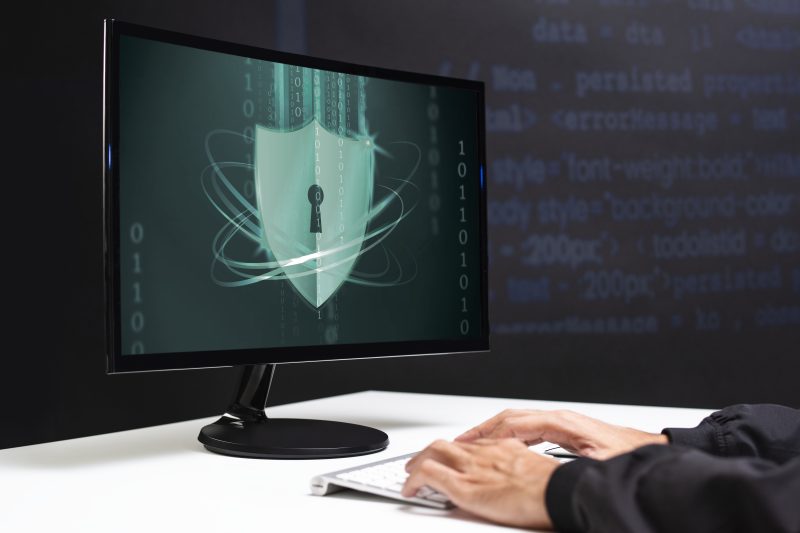
Hacker cracking the binary code data security (Freepik.com)
4. Configure macOS Security and Privacy settings
Out of ignorance or because of a busy schedule, you might ignore the security preferences Mac. This means you have basically ignored a powerful protection layer. To strengthen your Mac defence, install apps only from trusted sources. Once installed, carefully analyse what permissions to grant to the apps. Always keep the built-in protections like Gatekeeper and disk encryption on.
5. Keep macOS and applications updated
Outdated software is like a goldmine for hackers as they can easily exploit the vulnerabilities. For optimized security of your Mac, enable automatic macOS updates. Along with it, the browsers and third-party apps also should be taken care of. This will fix security holes, if any, thereby preventing you from a potential hacking attempt or a malware issue.
6. Browse the web safely
One of the top sources of Mac malware is unsafe browsing as it increases the risk of harmful file downloads. To be safe from malware through browsing, remove all the unnecessary browser add-ons. Be aware of pop-up scams that typically read like ‘your Mac is infected’ or ‘your Apple device needs immediate attention.’ There are many such messages that hackers use to put you in a state of panic to finally push you to a desired spot. This is why safe browsing habits are important for every Mac user.
7. Enhance login security
Strong Mac security covers the systems and files as well. You should protect the data by using strong and unique passwords. For added data safety, keep full-disk encryption on. Even if something unwanted happens, like hacking or device theft, your data will remain safe.
8. Use regular, secure backups
No system is completely immune – not even Apple. Therefore, backups play an important safety net role in case a malware or ransomware attempt from hackers is successful. With good backups, you can recover fast without facing any financial or data loss.
Conclusion
Cybercriminals are always in search of vulnerabilities that can help them in carrying out successful cyberattacks. Follow the above ideas as these will boost your Mac’s cybersecurity to a great extent. Your Mac’s safety is not a one-step process. It is an ongoing effort that you need to focus on because hackers never take breaks.
Main image Freepik
 Our newsletters emailed directly to you